2021年10月28日 星期四

week 6. 2D array & transform


review:
  draw a rotating shape in the center of screen.

  also use 'scale()' to change the size of the object.

using pushMatrix() and popMatrix()
using cos();


參考:
https://processing.org/examples/array2d.html

用 2D array 設定每個元素的顏色,旋轉速度,屬性。

float[][] distances;
float[][] rotateAngles;
float[][] rotateRates;
float maxDistance;
int spacer;

void setup() {
  size(640, 360);
  maxDistance = dist(width/2, height/2, width, height);
  distances = new float[width][height];
  rotateAngles = new float[width][height];
  rotateRates = new float[width][height];
  for (int y = 0; y < height; y++) {
    for (int x = 0; x < width; x++) {
      float distance = dist(width/2, height/2, x, y);
      distances[x][y] = distance/maxDistance * 255;
      rotateAngles[x][y] = random(5.0);
      rotateRates[x][y] = random(5.0, 40.0);
    }
  }
  spacer = 30;
  strokeWeight(3);
  //noLoop();  // Run once and stop
}

void draw() {
  background(0);
  // This embedded loop skips over values in the arrays based on
  // the spacer variable, so there are more values in the array
  // than are drawn here. Change the value of the spacer variable
  // to change the density of the points
  for (int y = 0; y < height; y += spacer) {
    for (int x = 0; x < width; x += spacer) {
      pushMatrix();
      translate(x, y);
      rotate(frameCount/rotateRates[x][y]+rotateAngles[x][y]);
      rect(-spacer/2, -spacer/2, spacer, spacer);
      stroke(distances[x][y]);
      popMatrix();
    }
  }
}

transform example:

void setup(){
size(800, 600);
noFill();
stroke(255);
}
void draw() {
background(30);
pushMatrix();
translate(600, 400);
scale(cos(frameCount/60.0)*5.0);
rotate(frameCount/30.0);
rect(-32, -32, 64, 64);
popMatrix();
}


Practice:
Create an array of 3D shapes. 

https://processing.org/tutorials/p3d/

2021年10月21日 星期四

week 5. basic form and rotation

1. form: point, line, polygon, arc, eclipse, rect,...
2. noLoop();  / redraw();

void setup(){
  size(640, 360);
  background(0);
}

int gridSize = 40;

void draw() {
background(0); 
stroke(200);
noFill();
for (int x = gridSize; x <= width - gridSize; x += gridSize) {
  for (int y = gridSize; y <= height - gridSize; y += gridSize) {
  
   rotateShape(x, y);
  
  }
}

}

void rotateShape(int xloc, int yloc) {
  pushMatrix();
  translate(xloc, yloc);
 // rotate((frameCount / 8.0)+xloc+yloc+mouseX);
 rotate((mouseX/100)*frameCount / 8.0+xloc+yloc);
 rect(-10, -10, 20, 20);
 line(-10, -10, 10, 10);
  popMatrix();


}


References:
https://processing.org/examples/star.html


example #2:

void setup(){
  size(640, 360);
  background(0);
}

int gridSize = 40;

void draw() {
background(0); 
stroke(200);
noFill();
for (int x = gridSize; x <= width - gridSize; x += gridSize) {
  for (int y = gridSize; y <= height - gridSize; y += gridSize) {
   
   rotateShape(x, y);
   
  }
}

}

void rotateShape(int xloc, int yloc) {
  pushMatrix();
  translate(xloc, yloc);
 rotate((frameCount / 8.0)+xloc+yloc);
 //rotate((mouseX/100)*frameCount / 8.0+xloc+yloc);
 beginShape();
vertex(-10, -10);
vertex(0, -10);
vertex(0, 0);
vertex(10, 0);
vertex(10, 10);
vertex(-10, 10);
endShape(CLOSE);
 //rect(-10, -10, 20, 20);
// line(-10, -10, 10, 10);
  popMatrix();


}


2021年10月14日 星期四

week 4. structural programming & basic form

Global variables v.s. local variables
subroutine calls


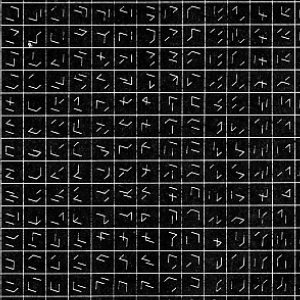
Manfred Mohr


William Kolomyjec

Computer Graphics & Art, 1977


Georg Nees 
the
T


  • Control


  • Iteration
  • Embedded Iteration
  • Conditionals 1
  • Conditionals 2
  • Logical Operators


  • Cybernetic Serendipity (1968): A Walkthrough With Jasia Reichardt

    (模控巧遇)

    EX:
      use subroutine call to perform 10 x 10 element-drawing.


    1. form: point, line, polygon, arc, eclipse, rect,...
    2. noLoop();  / redraw();

    void setup(){
      size(640, 360);
      background(0);
    }

    int gridSize = 40;

    void draw() {
    background(0); 
    stroke(200);
    noFill();
    for (int x = gridSize; x <= width - gridSize; x += gridSize) {
      for (int y = gridSize; y <= height - gridSize; y += gridSize) {
      
       rotateShape(x, y);
      
      }
    }

    }

    void rotateShape(int xloc, int yloc) {
      pushMatrix();
      translate(xloc, yloc);
     // rotate((frameCount / 8.0)+xloc+yloc+mouseX);
     rotate((mouseX/100)*frameCount / 8.0+xloc+yloc);
     rect(-10, -10, 20, 20);
     line(-10, -10, 10, 10);
      popMatrix();


    }


    References:
    https://processing.org/examples/star.html


    example #2:

    void setup(){
      size(640, 360);
      background(0);
    }

    int gridSize = 40;

    void draw() {
    background(0); 
    stroke(200);
    noFill();
    for (int x = gridSize; x <= width - gridSize; x += gridSize) {
      for (int y = gridSize; y <= height - gridSize; y += gridSize) {
       
       rotateShape(x, y);
       
      }
    }

    }

    void rotateShape(int xloc, int yloc) {
      pushMatrix();
      translate(xloc, yloc);
     rotate((frameCount / 8.0)+xloc+yloc);
     //rotate((mouseX/100)*frameCount / 8.0+xloc+yloc);
     beginShape();
    vertex(-10, -10);
    vertex(0, -10);
    vertex(0, 0);
    vertex(10, 0);
    vertex(10, 10);
    vertex(-10, 10);
    endShape(CLOSE);
     //rect(-10, -10, 20, 20);
    // line(-10, -10, 10, 10);
      popMatrix();


    }

    example #3:

    int gridSize = 100;
    void setup() {
    size(1000, 1000);
    stroke(255);
    background(0);
    frameRate(10);
    }
    void draw() {
    background(0);
    for (int i = 0; i <= width; i+= gridSize) {
    for (int j = 0; j <= height; j+= gridSize) {
    rect(i+gridSize/2 + random (40), j+gridSize/2, gridSize/4, gridSize/4);
    }
    }
    }

    example #4:

    int gridSize = 100;
    void setup() {
    size(1000, 1000);
    stroke(255);
    background(0);
    frameRate(5);
    noFill();
    }
    void draw() {
    background(0);
    for (int i = 0; i <= width; i+= gridSize) {
    for (int j = 0; j <= height; j+= gridSize) {
    drawGrid(i, j);
    }
    }
    }
    void drawGrid(int x, int y){
    int cellSize;
    for (int i = 0; i < 5; i++) {
    cellSize = (int) random(20, 60);
    rect(x+gridSize/2-cellSize/2, y+gridSize/2-cellSize/2, cellSize , cellSize, 6);
    }
    }


    Project 1:
    1. 選定一位美學運算的藝術家
    2. 手繪模仿其作品
    3. 用 processing 編碼產生方陣重複美學的作品,至少5件
    上傳到google drive (網址在 FB 公布)


    Deadline: Nov. 5, 2021


    2021年10月7日 星期四

    week 3. repeat

    Jacquard loom (1801)


    charles babbage analytical engine


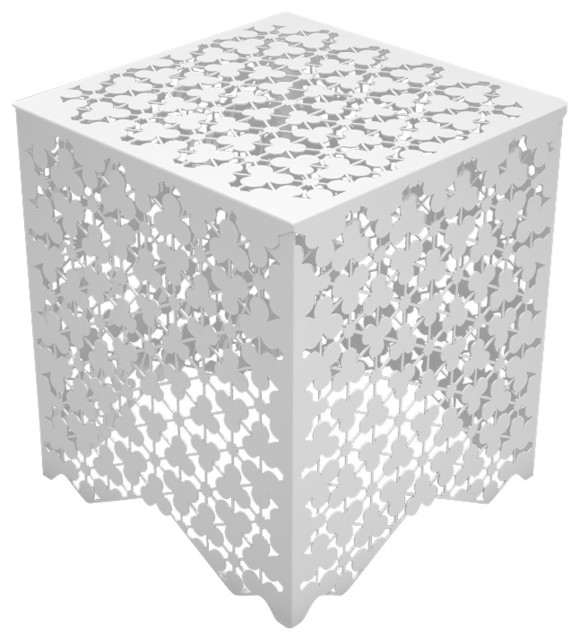
    Arktura Ricami Stool


    Bridget Riley


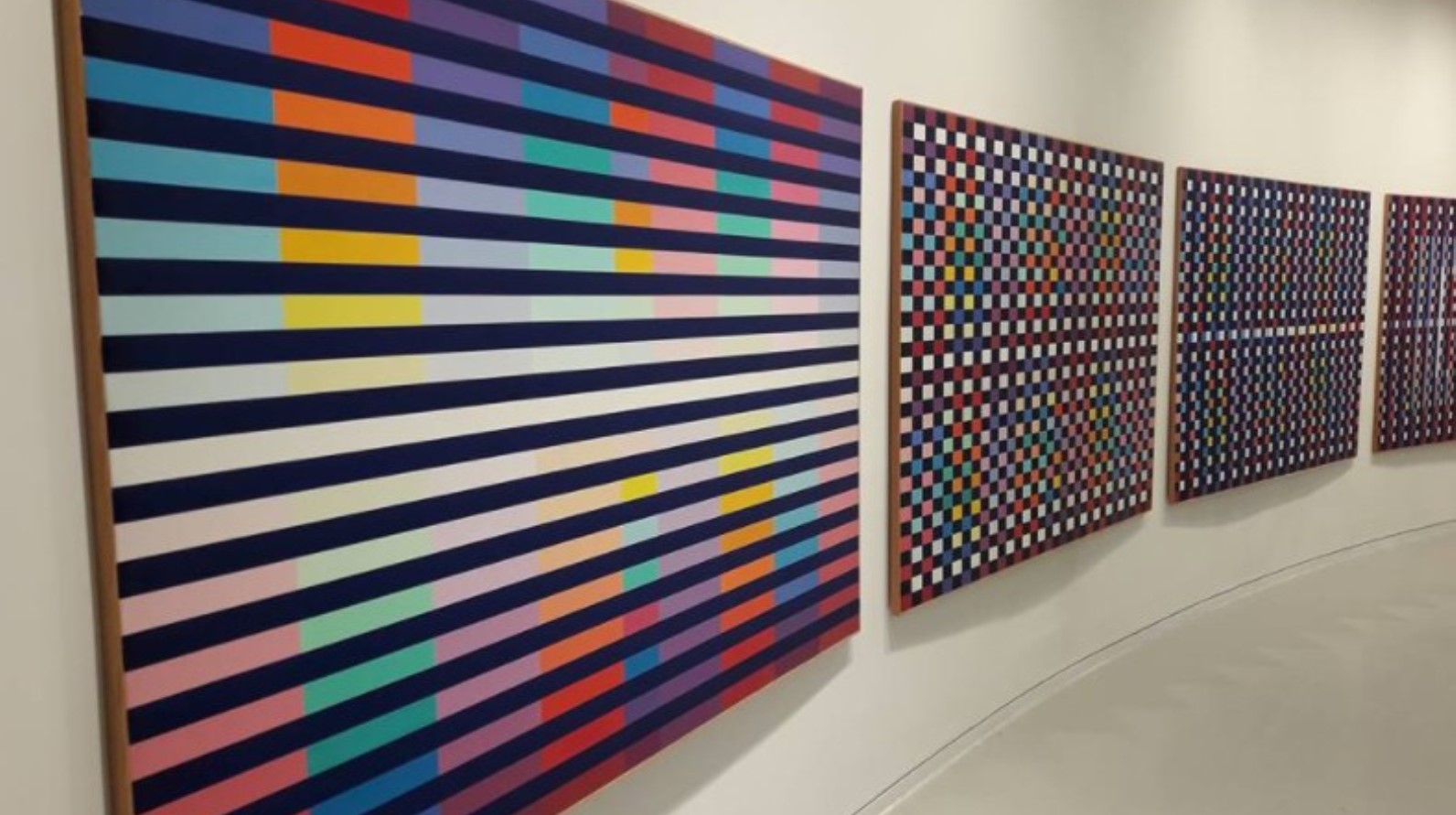
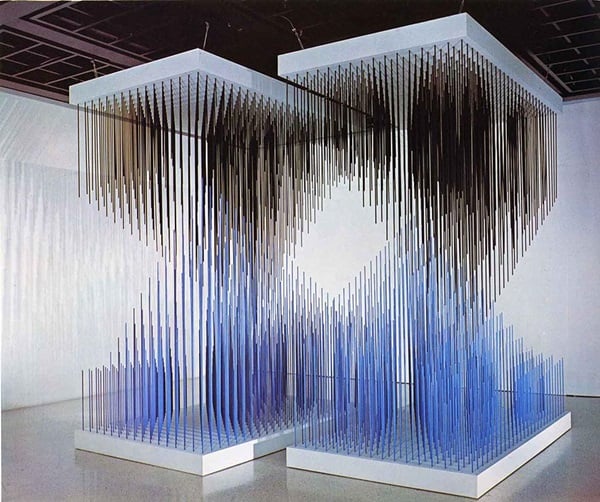
    Yaacov Agam


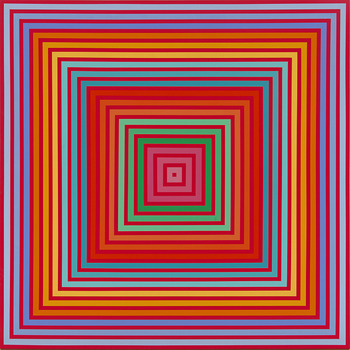
    Richard Anuszkiewicz


    Jesus Rafael Soto


    Victor Vasarely


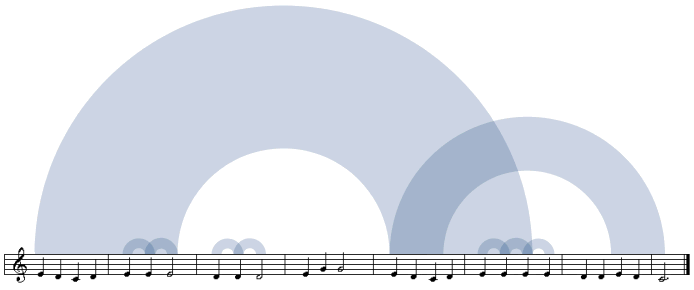
    Martin Wattenberg, Shape of Song, 2002


    http://turbulence.org/Works/song/method/method.html


    Turbulence.org Commission: "The Shape of Song" by Martin Wattenberg v1 (2001) from Turbulence.org on Vimeo.

    Modell 5 - Granular Synthesis


    PSC 31, Mark Wilson


    Frieder Nake

    http://dada.compart-bremen.de/item/agent/68


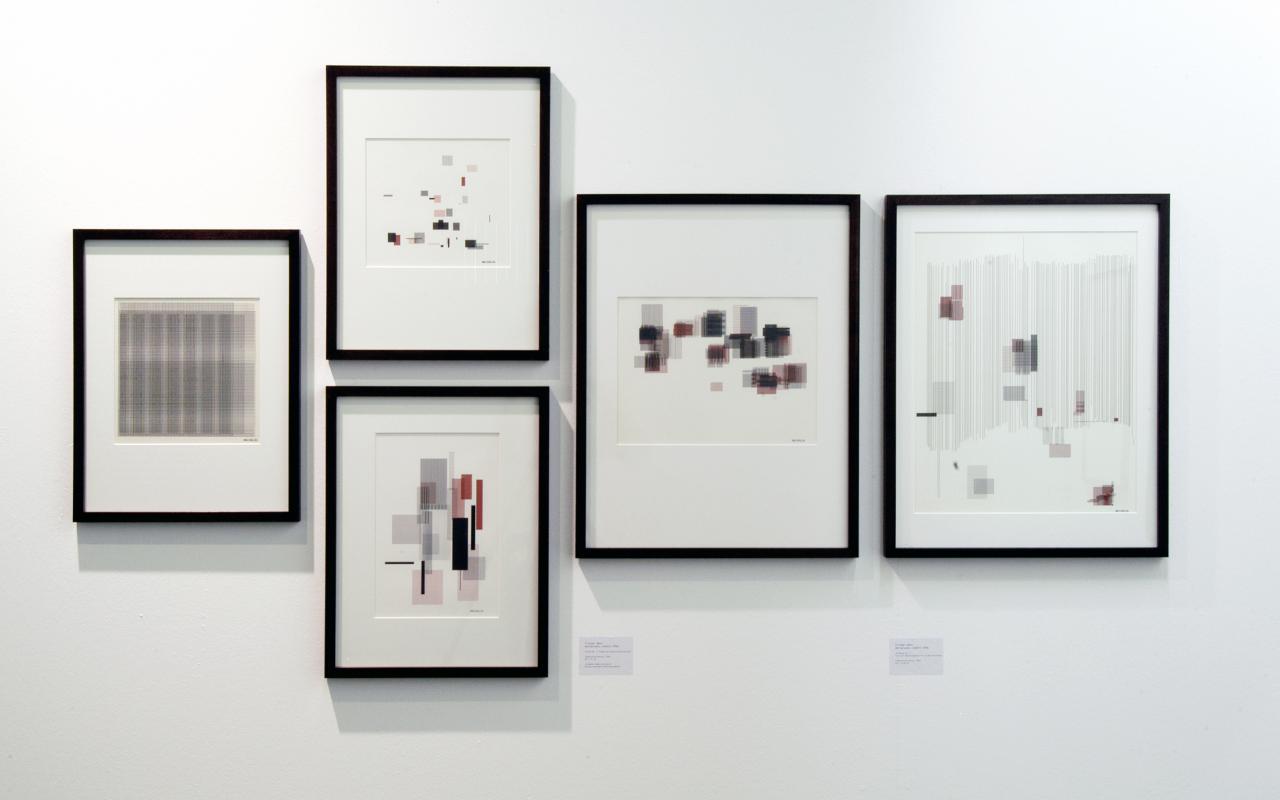
    Vera Molnar


    https://www.surfacemag.com/articles/vera-molnar-in-thinking-machines-at-moma/

    https://www.openprocessing.org/browse/?q=Vera+Molnar&time=anytime&type=all#

    Manfred Mohr

    https://www.emohr.com/


    CODE Tutorials:

  • Structure


  • Statements and Comments
  • Coordinates
  • Width and Height
  • Setup and Draw
  • No Loop
  • Loop
  • Redraw
  • Functions
  • Recursion

  • Homework:
    1. 找一位 code artist 的作品,參考:

    Computer Artists in Database of Digital Art

    2. 搜尋這位 artist 的所有相關作品
     
    3. 如何以手繪,以及 code 來重現?


    2021年9月30日 星期四

    week 2. form and computer


    Ivan Sutherland (1963), Sketchpad


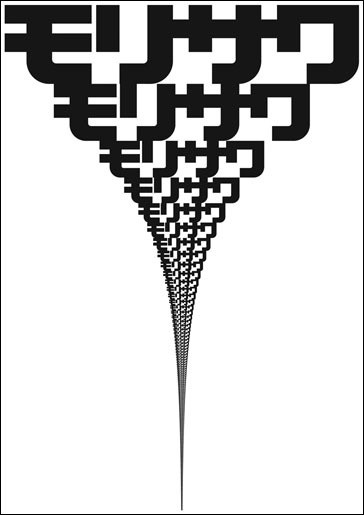
    Morisawa Posters, John Maeda, 1996


    Electronic abstraction, Ben Laposky, 1952.


    Entramado , Pablo Valbuena, 2008


    Volume, by United Visual Artists, 2006


    Cirrus 2008, Zaha Hadid


    Repeat

    1. ACG at MIT Media Lab.
    Aesthetic and computation Concept video

    2. for-loop
    if

    FORM+CODE examples

    Ex: Draw 10x10 (or 11X16) basic elements with some repetition

    2021年9月22日 星期三

    2020年12月25日 星期五

    week 15. self portrait

    Typoportraits on IG

    Typo Portraits

    pointillism portraits

    cubist portrait

    Question:
     How to generate "typo portraits"?


    Example 1:

    PImage img;
    int smallPoint, largePoint;
    PFont f;
    float threshold = 80;

    void setup() {
    size(736, 736);
    img = loadImage("portrait.jpg");
    smallPoint = 2;
    largePoint = 30;
    imageMode(CENTER);
    noStroke();
    background(255);

    // Create the font
    printArray(PFont.list());
    f = createFont("Georgia", 9);
    textFont(f);
    textAlign(CENTER, CENTER);

    }

    void draw() {
    float value;
    color pix;
    // if (mousePressed == true) {
    background(80);
    int counter = 0;
    char letter;

    float pointillize = map(mouseX, 0, width, smallPoint, largePoint);
    float threshold = map(mouseY, 0, height, 0, 255);
    for (int x = 0; x < img.width; x+=pointillize) {
    for (int y = 0; y < img.height; y+=pointillize){
    pix = img.get(x, y);
    value = brightness(pix);
    if (value > threshold)
    fill(0, 255, 0);
    else fill(0);
    //ellipse(x, y, 5, 5);
    counter = int(random(66, 123));
    letter = char (counter);
    text(letter, x, y);


    }
    }
    // }

    }


    Example 2:

    /**
    * Pointillism
    * by Daniel Shiffman.
    *
    * Mouse horizontal location controls size of dots.
    * Creates a simple pointillist effect using ellipses colored
    * according to pixels in an image.
    */

    // The next line is needed if running in JavaScript Mode with Processing.js
    /* @pjs preload="moonwalk.jpg"; */

    PImage img;
    int smallPoint, largePoint;

    void setup() {
    size(736, 736);
    img = loadImage("portrait.jpg");
    smallPoint = 4;
    largePoint = 40;
    imageMode(CENTER);
    noStroke();
    background(255);
    }

    void draw() {
    float pointillize = map(mouseX, 0, width, smallPoint, largePoint);
    int x = int(random(img.width));
    int y = int(random(img.height));
    int xWidth = int(random(10, 200));
    int yHeight = int(random(10, 200));
    int xShift = int(random(-20, +20));
    int yShift = int(random(-20, +20));
    for (int i = 0; i< xWidth; i++) {
    for (int j = 0; j< yHeight; j++) {
    color pix = img.get(x+i, y+j);
    stroke(pix);
     //ellipse(xShift+x+i, yShift+y+j, pointillize, pointillize);
    point(xShift+x+i, yShift+y+j);
    }
    }
    }


    Example 3:

    float resolution;
    float radius = 100;
    float circles;
    float circleW;
    float circleH;
    float offset;
    PImage img;


    void setup() {
      size(736, 736);
      background(0);
      img = loadImage("portrait.jpg");
    }

    void draw() {
      float value;
      color pix;
      fill(255);
      noStroke();
      offset++;

      resolution = map(sin(offset*0.00025), -1, 1, 5, 50);
      //resolution = 50;
      circles = 200;

      circleW = map(sin(offset*0.05), -1, 1, 1, 10);
      circleH = map(sin(offset*0.05), -1, 1, 1, 10);

      for (int i = 0; i < resolution; i++) {

        float scale = 200;

        float waveAngle = map(i, 0, resolution, 0, TWO_PI * circles);
        float waveOffset = sin(waveAngle) * scale*1.2;  //scale the -1 to 1 up

        float angle = map(i, 0, resolution, 0, TWO_PI * 331); //multiply for weirdness

        float circleOffsetX = cos(angle) * (radius + waveOffset); //xposition
        float circleOffsetY = sin(angle) * (radius + waveOffset); //yposition

        float x = width/2 + circleOffsetX;
        float y = height/2 + circleOffsetY;
        pix = img.get(int(x), int(y));
        value = brightness(pix);
        fill(0, green(pix), blue(pix));
        ellipse(x, y, circleW, circleH);

      }

    }

    Final Project:
    Self Portrait Demo:
    最少三種
    例如,Andy Warhol 風格,字型風格,拼貼風格,動態曼陀羅風格,...

    Jan. 8, 2021